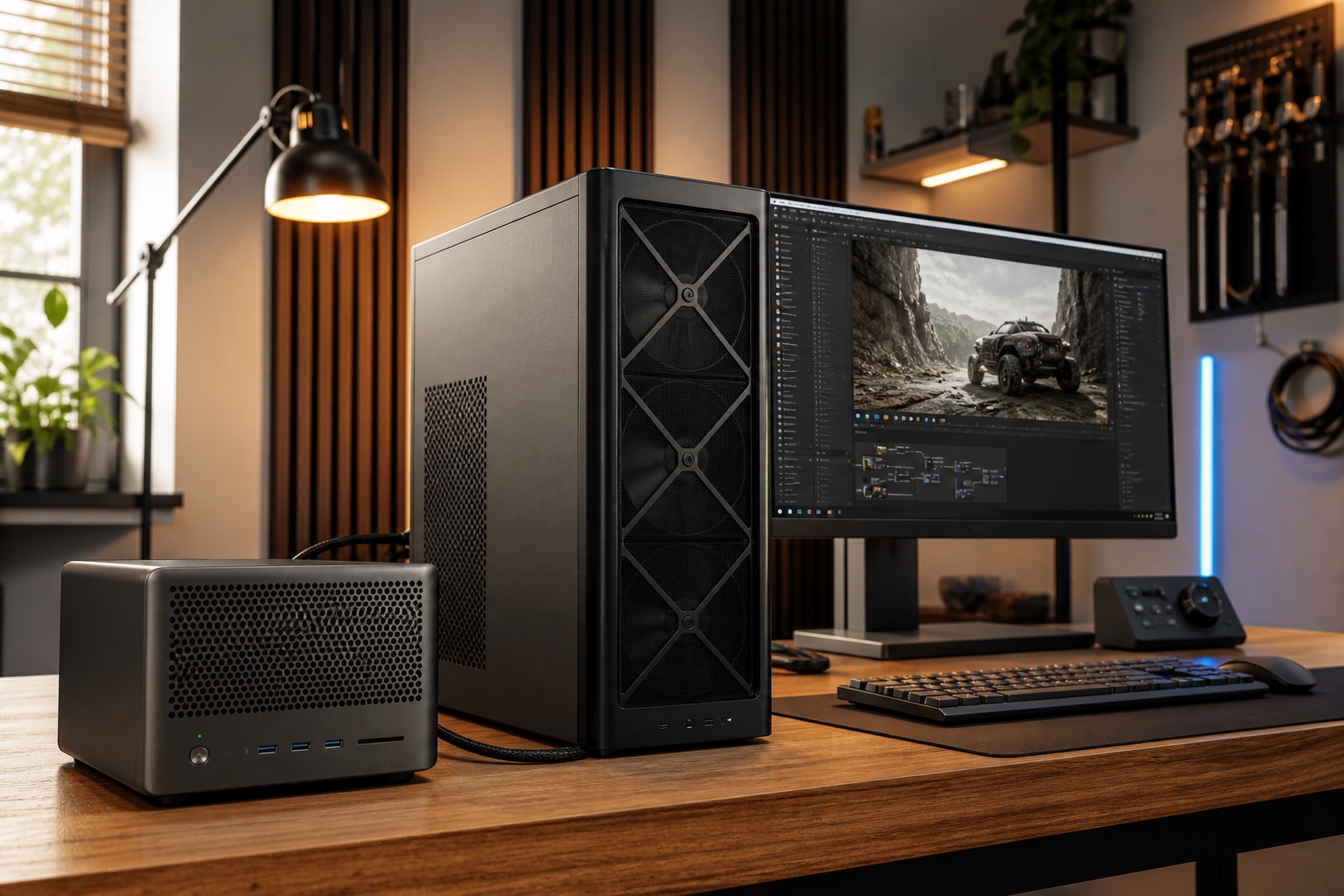
Run AI locally when privacy, offline access, experimentation, or predictable availability justifies owning the machine and operating the software. Do not buy hardware merely to avoid a modest API bill; occasional use is usually cheaper in the cloud.
Memory capacity determines whether a model fits. Memory bandwidth, quantization, runtime quality, model architecture, context length, and concurrency determine whether it feels fast enough to use.
Explore this section
Choose what you want to accomplish
Install a local LLM with Ollama or LM Studio, choose a model that fits memory, test quality and speed, protect the local endpoint, and build a first private workflow.
Open page →NVIDIA hardware guideNVIDIA DGX Spark for local AI: what it runs and how to set it upA complete NVIDIA DGX Spark guide covering the GB10 chip, 128 GB unified memory, current price, model fit, first boot, Ollama, LM Studio, llama.cpp, networking, and benchmarks.
Open page →Apple hardware guideMac Studio for local LLMs: unified memory, model fit, MLX, and tradeoffsEvaluate Mac Studio for local AI, including M3 Ultra memory configurations up to 512 GB, large-model capacity, MLX and Metal software, price, speed, and who should buy it.
Open page →NVIDIA workstation guideRTX desktops and RTX PRO 6000 workstations for local AICompare consumer RTX desktops and the 96 GB RTX PRO 6000 Blackwell Workstation Edition for local LLM inference, image models, fine-tuning, CUDA, power, and cost.
Open page →Private AI project directoryPrivate local AI projects worth running on your own hardwarePractical local AI projects for private document search, offline field work, family archives, coding, transcription, and always-on assistants, with privacy and network boundaries.
Open page →Choose by memory, ecosystem, and utilization
Use the computer you already have to learn runtimes and validate one private workflow. A 7B–14B quantized model can be genuinely useful for narrow extraction, private notes, and offline assistance. Buy an RTX desktop when CUDA throughput, image generation, or modest fine-tuning is important. Consider DGX Spark when large compressed models and an always-on compact NVIDIA server matter.
Choose Mac Studio when quiet operation and very large unified-memory capacity outweigh CUDA compatibility. Choose a professional RTX workstation when high bandwidth, ECC memory, enterprise support, fine-tuning, or multiple users justify the cost, power, and cooling.
A realistic model-fit rule
A 3B–8B model at 4-bit often occupies roughly 3–7 GB before runtime and context. A 14B–32B model often needs roughly 10–24 GB. A 70B model commonly needs 40–48 GB before a large context cache. Compressed 120B-class models can require roughly 65–90 GB depending on architecture and format.
Leave at least 15–25 percent of memory free for the runtime, operating system, and context cache. Verify the exact checkpoint because mixture-of-experts architecture, multimodal adapters, quantization, and context can change the requirement substantially.
Local does not automatically mean private
A model running on your machine can still be exposed by an open network port, insecure web interface, cloud telemetry, shared logs, or a document index without permissions. Bind services to localhost or a trusted LAN, add authentication, encrypt the machine, and know where prompts and documents are stored.
Run one useful workflow locally before buying a machine for hypothetical future models.
Primary sources