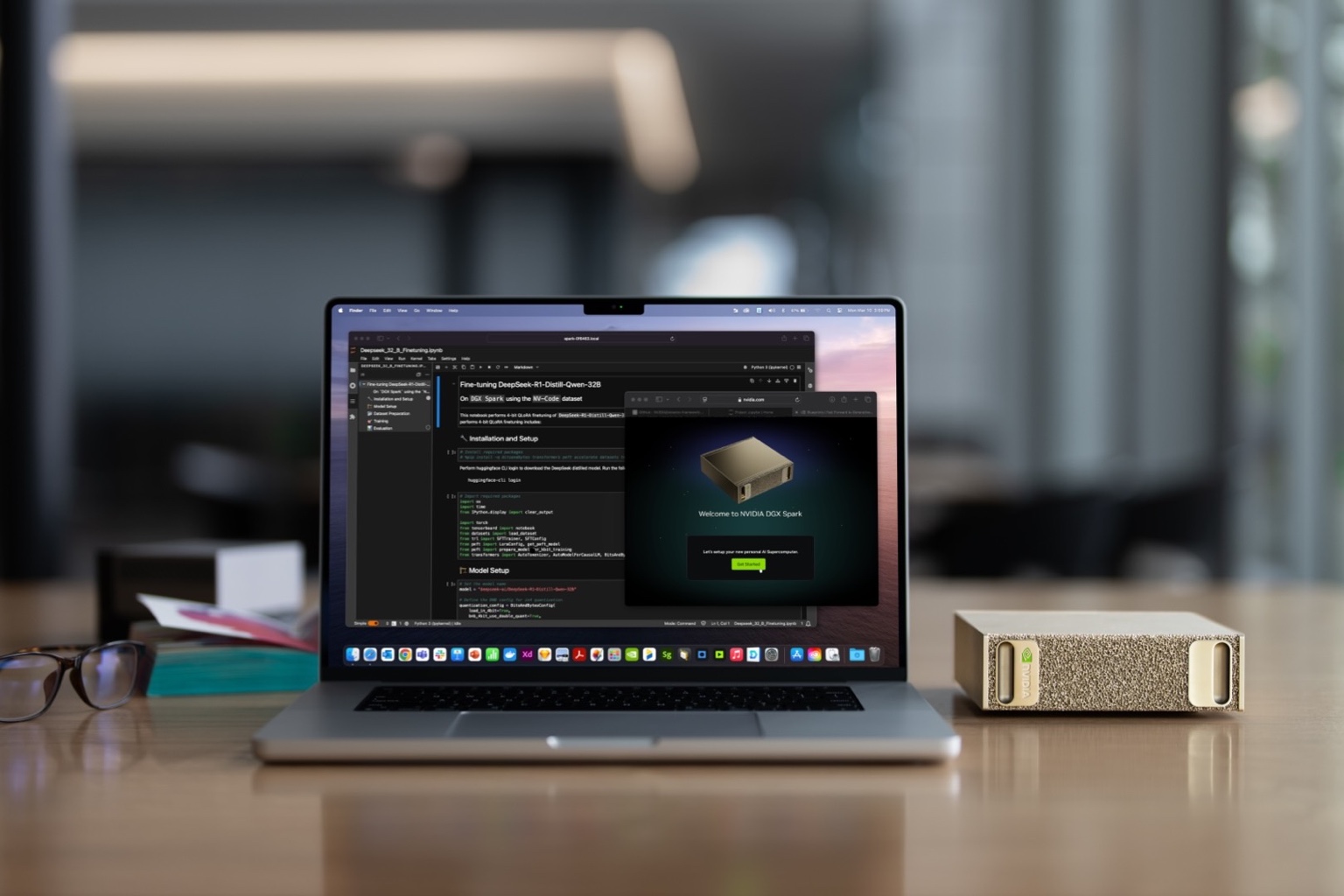
NVIDIA DGX Spark is a compact Grace Blackwell AI computer with 128 GB of coherent unified memory and up to one petaflop of FP4 tensor performance. It is designed for developers who need larger local models and the NVIDIA software ecosystem in a small always-on system.
The current Founders Edition MSRP is $4,699 after NVIDIA's February 2026 increase. That makes it a serious purchase. Its value is memory capacity, compactness, and CUDA-oriented tooling—not a claim that it outperforms every desktop on every model.
What DGX Spark can run well
The 128 GB memory pool allows 70B models, compressed 120B-class models, and useful long contexts that do not fit on a 24–32 GB consumer GPU. NVIDIA and runtime partners publish examples using GPT-OSS 120B, Qwen, DeepSeek, Gemma, Llama, and other model families.
The 273 GB/s memory bandwidth is much lower than high-end discrete GPUs, so capacity and decode speed must be considered separately. Published Ollama testing on early software showed GPT-OSS 120B at roughly 41 output tokens per second, while some dense 70B models were much slower. Current firmware, model format, and runtime can change results; benchmark the exact stack.
First boot and local network setup
Connect stable power and networking before first boot. Choose local setup with a display or network-appliance setup from another computer. Let the first-time utility finish all critical downloads and reboots without interruption. NVIDIA's current guide warns against powering down during this process.
After setup, use DGX Dashboard for monitoring, updates, and JupyterLab. Connect from another computer using NVIDIA Sync or SSH. Keep the Spark on a trusted network and assign a stable local address if other tools will depend on it.
- Complete firmware and DGX OS updates before benchmarking.
- Confirm disk capacity before downloading multiple large checkpoints.
- Use NVIDIA Sync or SSH rather than exposing services publicly.
- Record firmware, driver, CUDA, runtime, model, and quantization with every result.
Choose the serving stack
Ollama is the shortest path to a local model service and pairs with Open WebUI for a browser-based chat. LM Studio supports Linux ARM64 on DGX Spark and provides both a GUI and API server. NVIDIA publishes a llama.cpp playbook that builds for the GB10 CUDA architecture and exposes an OpenAI-compatible server. vLLM and NVIDIA NIM are better candidates when concurrency, containers, or managed serving features matter.
Start with one model and one client. Bind the service to localhost first, then intentionally enable trusted LAN access with authentication. Measure single-user and concurrent performance separately.
A practical buying decision
Buy DGX Spark when you value a compact NVIDIA development appliance, need models beyond consumer VRAM, will use it frequently, and can work within ARM Linux compatibility. Compare a Mac Studio when maximum unified-memory capacity and quiet operation matter more than CUDA. Compare an RTX workstation when bandwidth and mature x86 CUDA throughput matter more than compactness.
The winning DGX Spark workload is a large model you use often enough to justify keeping it local and available.
Primary sources